
Change the mobile language or market time zone and check your version
Choose the app language and chart time display, then find your installed version and update channel.
Choose the app language
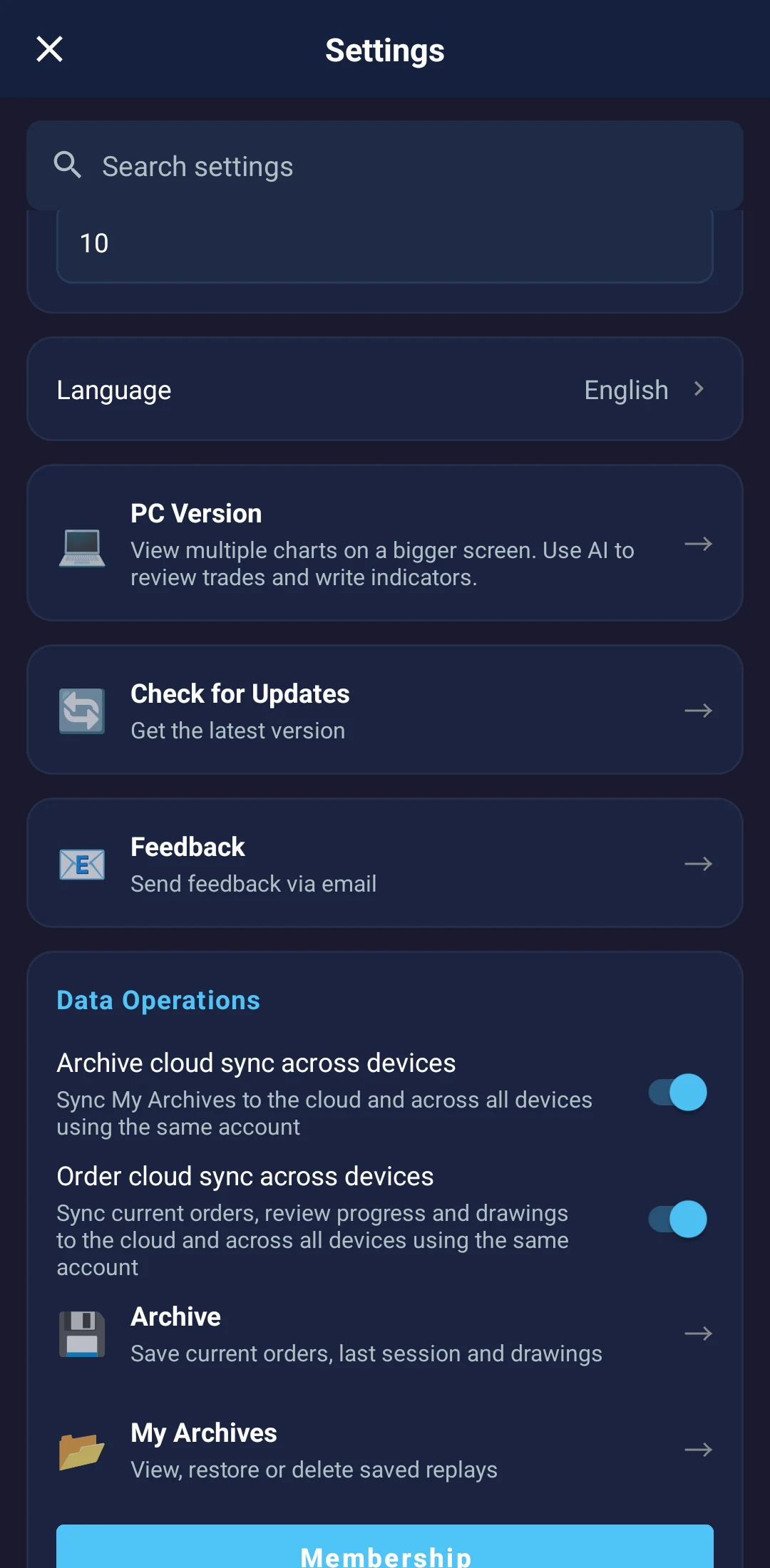
Search Settings for Language and choose a language. Follow System uses the phone’s preferred language. The screenshot also shows the Android Check for Updates entry.
Choose the chart time zone
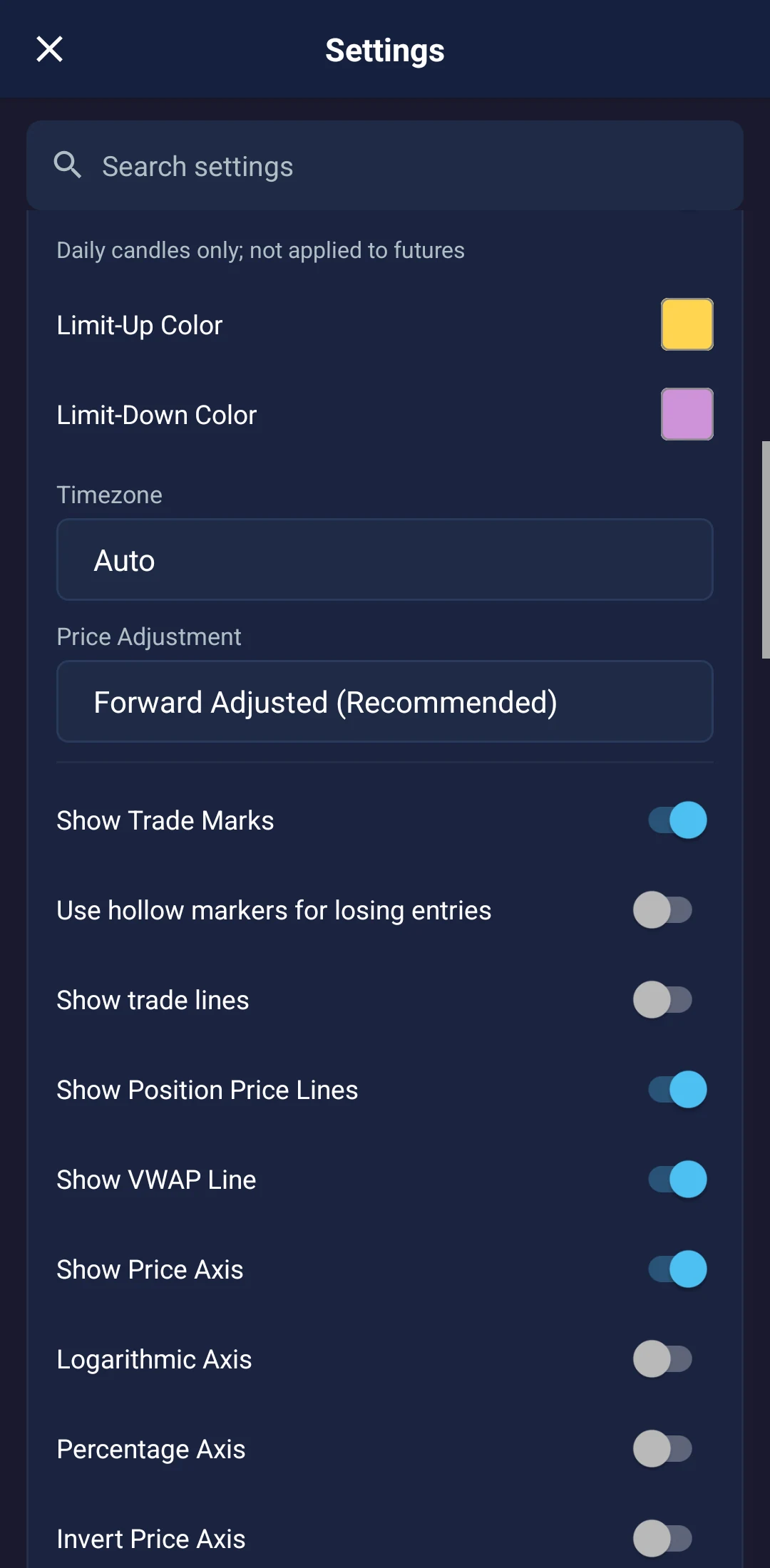
In Display Settings, open Timezone and choose Auto, Asia/Shanghai, or America/New York. Return to the trading screen and check the chart timestamps.
Check your installed version and updates
Scroll to the bottom of Settings for the current version. If your Android build shows Check for Updates, tap it, or check the original download channel. On iPhone, check the app’s page in the App Store.