Allow short selling and configure T+1
Choose short-selling permissions at launch and adjust T+1 for instruments where it applies.
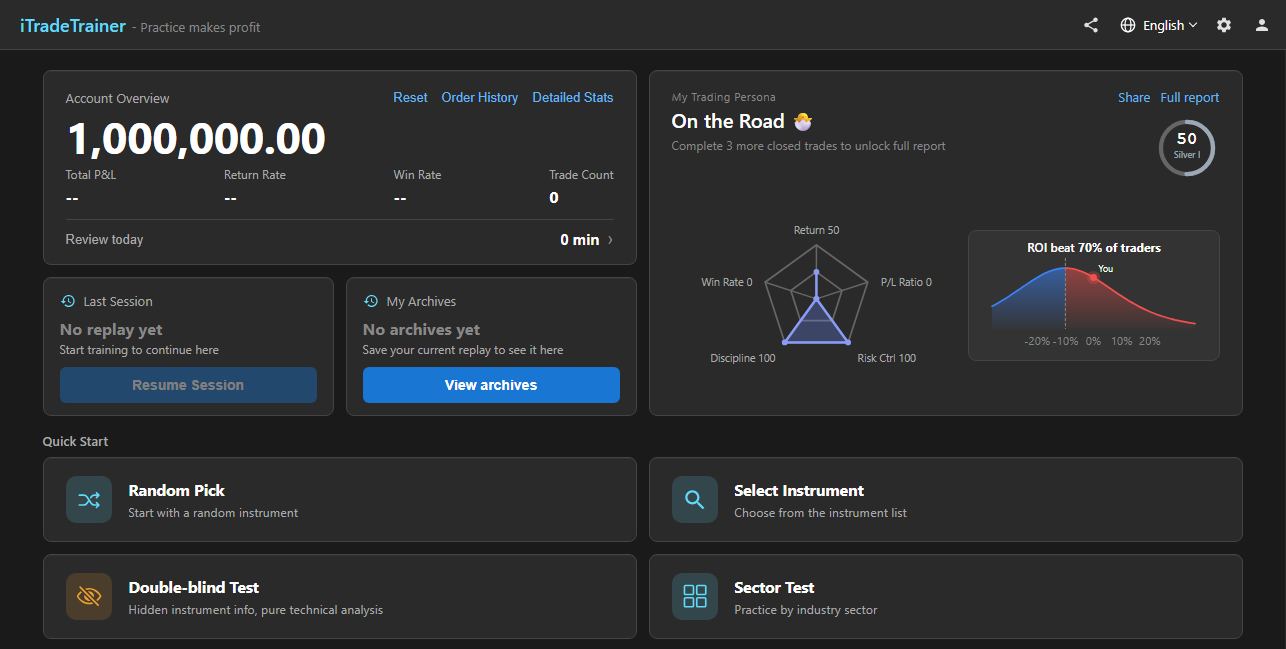
Open the training settings from home
Under Quick Start, click Double-blind Test, the lower-left card with a crossed-out eye.
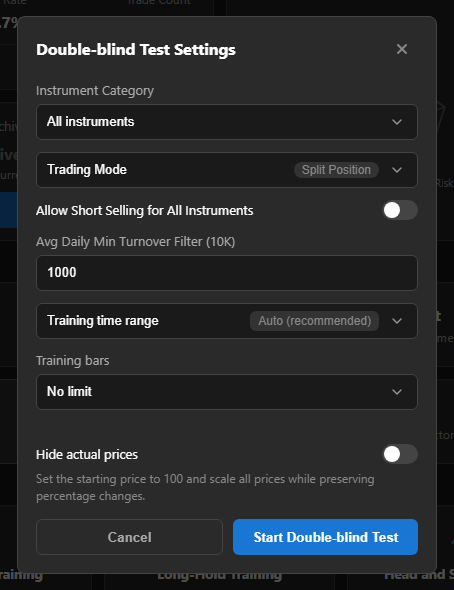
Use the short-selling switch
Below Trading Mode, use Allow Short Selling for All Instruments to enable shorts in an exercise using a spot instrument.
Distinguish a short from an exit
For futures or short-enabled instruments, open a short from the entry panel and use Close Position to exit.
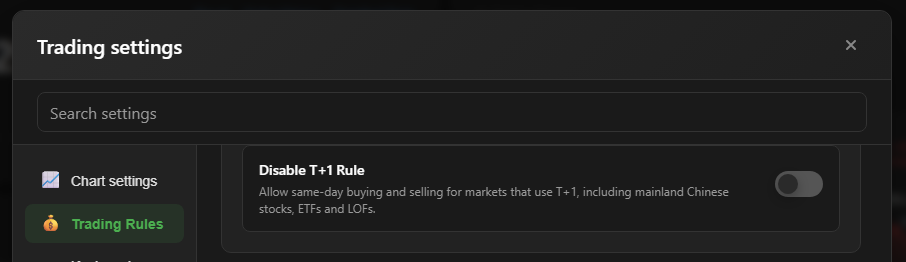
Check T+1 under Trading Rules
Open Settings from the trading toolbar gear. Under Trading Rules, keep Disable T+1 Rule off when practicing mainland spot T+1.